Run your sessions, not your spreadsheets.
Activity Centre puts session booking, instructor and volunteer scheduling, participant records, instructor payments and funder reporting in one system — for organisations that deliver activities to the public.
Five systems, none of which talk to each other.
Most organisations delivering activities run on a booking form, a spreadsheet of participants, a rota in a shared document, an accounts package, and somebody’s inbox.
Every one of them holds part of the picture, and the joining up is done by hand — usually at the end of the week, usually by someone who would rather be delivering the activity.
The whole week, in one place.
Everything that has to happen for a session to run, and everything that has to be counted afterwards.
Session booking
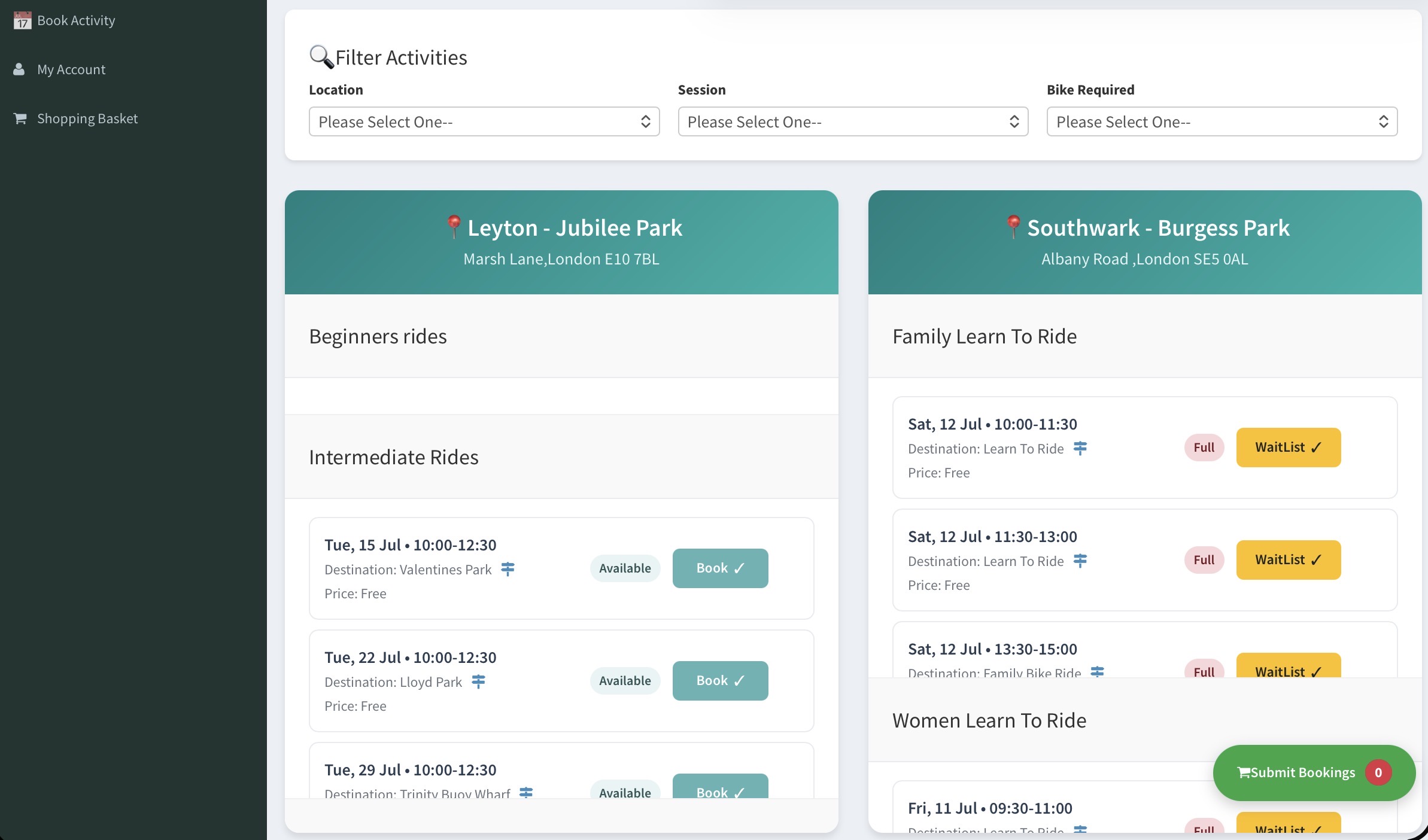
Sessions, places and bookings in one calendar, with a waiting list when a session fills and a clash flagged before it becomes a problem.
Instructors and volunteers
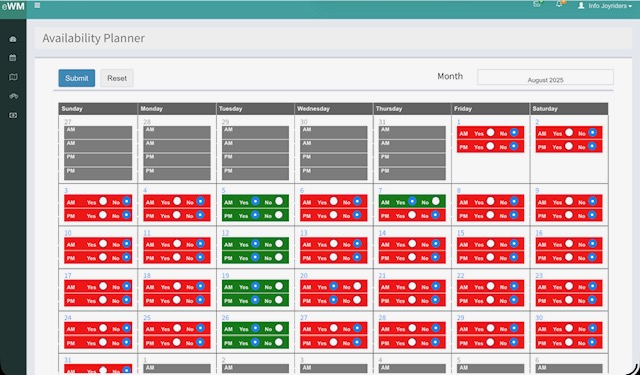
Who is leading what, who has been asked, and who has confirmed. The rota lives beside the sessions rather than in a separate document.
Participant records
Contact details, attendance and history in one record, kept to what you actually need rather than everything a form could ask for.
Instructor payments
Invoices built from the sessions actually delivered, so nobody re-keys a rota into an accounts package and nobody chases what they are owed.
Funder reports
The numbers a funder asks for — sessions delivered, people reached, attendance over time — produced from the same records that ran the sessions.
Set up around you
Roles, session types and the fields you collect are configured to how your organisation runs, not to how the software was first written.
Everyone involved with the activity.
Activity Centre is a set of role-based applications. Managers, office staff, activity providers, volunteers and participants are taken straight to their own application when they sign in.
Managers
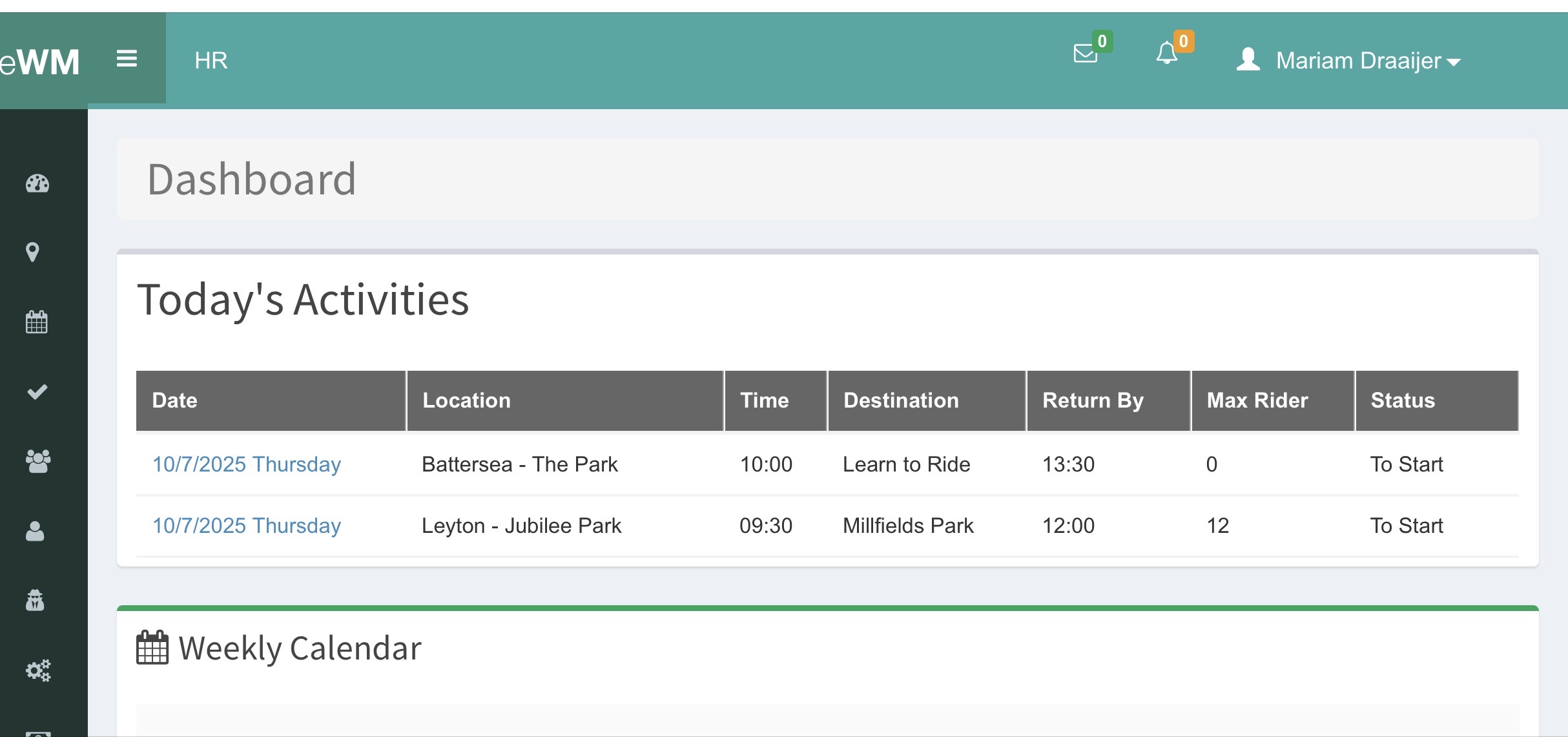
The whole programme at once: what ran, what filled, what it cost and what to tell the funder.
Office staff
Take a booking over the phone, add a participant, chase an unpaid place.
Activity providers
Deliver sessions under their own account, and see what they are due to be paid.
Volunteers
See what they have been asked to lead, accept or decline, and check who else is on.
Participants
Book a place, see what they are booked on, keep their own details up to date.
Equipment and kit
Whoever keeps the equipment running — a bike mechanic, a kit manager — with their own list of what needs attention.
Administrators
Set up roles, session types and who can see what, without needing us to do it.
And your own
Roles are configured per organisation, so the list above is a starting point rather than a limit.
The system, screen by screen.
These are from the system running a real programme — sessions, leaders, bookings and the notes that come back afterwards.
Every role signs in to the same system and lands somewhere different.
What is on, what is filling and what needs attention this week.
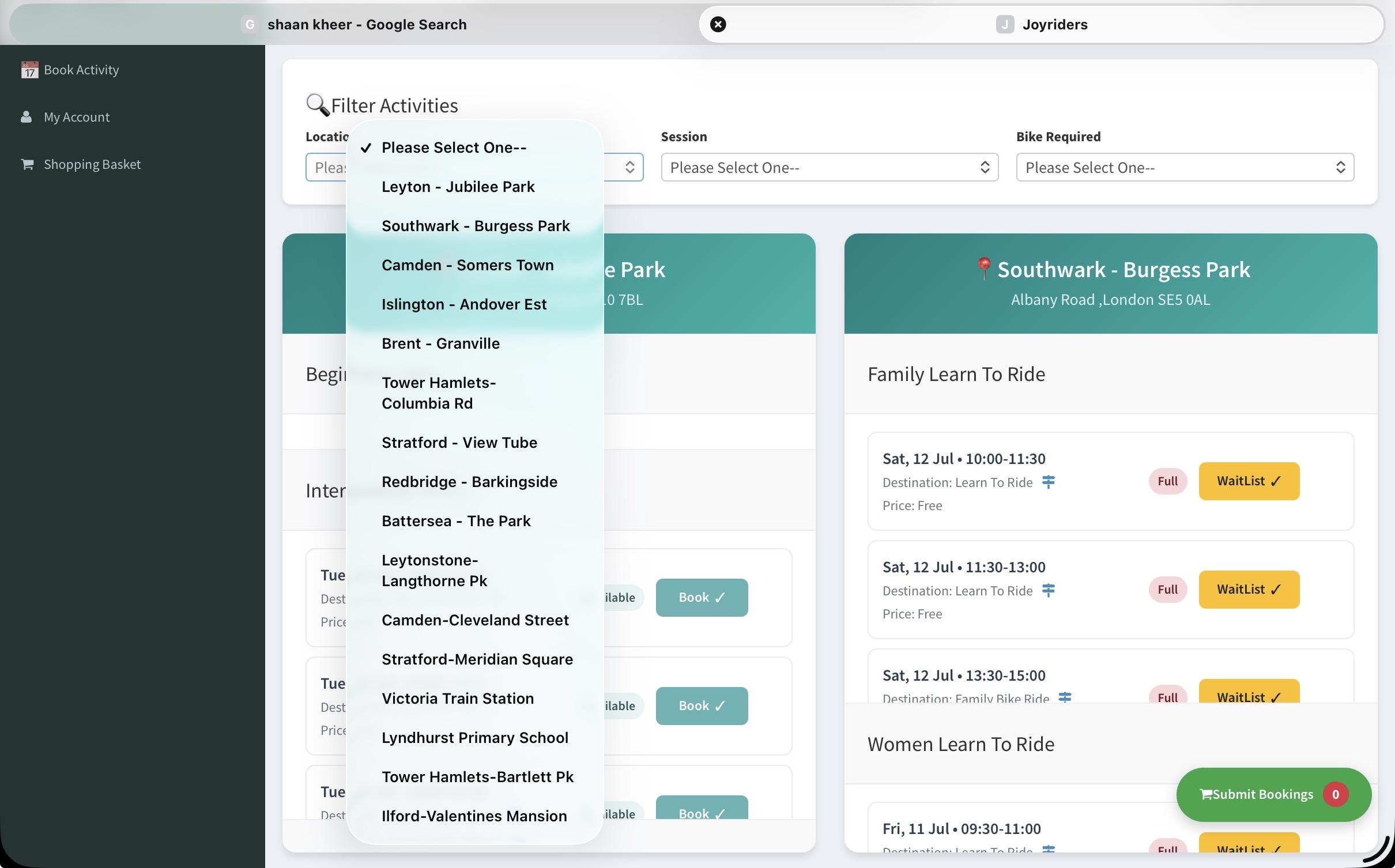
Filtered by location, session type and whether a bike is needed.
Leaders say when they can lead; the rota is built from that.
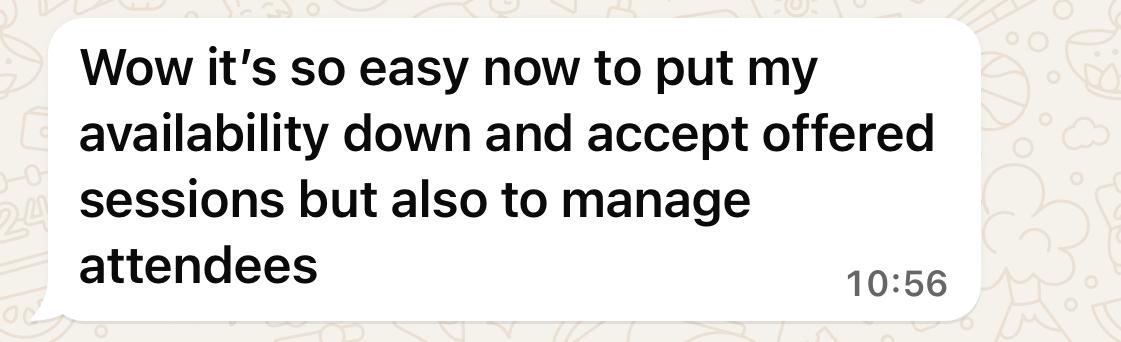
What happened, recorded by the person who was there.
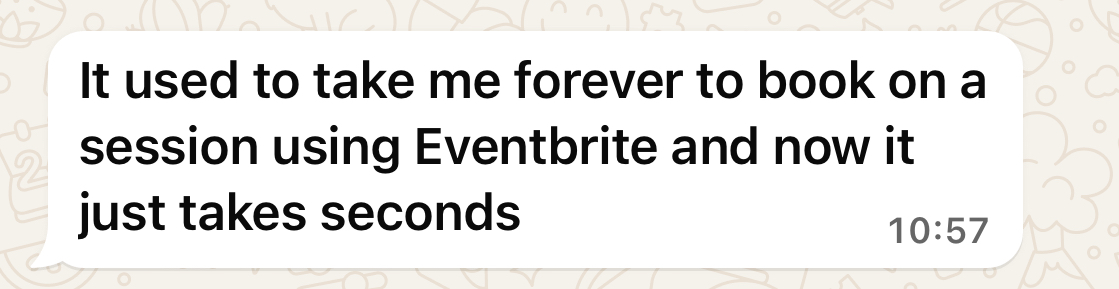
Comments come back attached to the session they are about.
Since implementing Activity Centre, we’ve expanded from 12 to 18 weekly sessions while reducing admin time by 15+ hours per week. It’s been a game-changer for our cycling programmes.
If you run sessions, it fits.
The system was built around one organisation’s programme, but nothing in it is specific to bicycles. Session types, roles and the fields you collect are yours to set.
What people ask us first.
What does Activity Centre do?+
Who is it for?+
Is it only for cycling organisations?+
Do different people see different things?+
Can it produce reports for funders?+
How are instructors paid?+
How do we see it?+
See it against your own programme.
Tell us how your sessions run and we will show you the system doing it. No sales sequence — a conversation with the people who built it.